Best Free eSign Software in 2026: Top Picks for Signing Documents Online
Looking for free eSign software? Explore secure and easy-to-use tools that let you sign documents online, stay compliant, and simplify workflows without spending a fortune.


The Best Free eSign Software in 2026
Printing a contract to sign it with a pen, scanning it back into your computer, and emailing a 4MB PDF to someone who is going to do the exact same thing is a sequence that made sense in 2004. In 2026, it just costs you time you do not have.
Free eSign software has matured considerably. What used to mean "three documents a month and a watermark you cannot remove" now means genuine workflow tools, legally binding signatures across US and EU jurisdictions, and mobile apps that work on whatever device is closest. The free tiers are better. The paid tiers are cheaper than they used to be. And DocuSign, long the default choice, has quietly dropped its free plan entirely, leaving a wide-open field of alternatives that frankly outperform it at a fraction of the cost.
This guide consolidates the top free eSign software across four criteria: what you actually get on the free tier, legal compliance, ease of use, and where each tool fits in a real workflow. Whether you sign a handful of documents a month or run a team processing contracts daily, there is an option below that fits.

What to Look For in Free Electronic Signature Software
When choosing free electronic signature software, five criteria separate useful tools from limited ones: document and sending limits, legal compliance (ESIGN, UETA, eIDAS), audit trail quality, integration with tools like Google Drive or Zapier, and mobile app availability. Sending limits matter most if you initiate signatures regularly, while compliance requirements depend on your industry and the countries your signers are based in.
Before the list, a few things worth understanding. Free plans across the eSign category vary enormously. Some give you unlimited signing but cap you at three outgoing signature requests per month. Others let you send unlimited documents but lock templates behind a paywall. Knowing what matters to your workflow changes which tool you should pick.
Document and sending limits matter most if you are the one initiating signatures. A freelancer who sends two contracts a month has very different needs from a small team processing 30 agreements a week. Free plans from SignWell, Zoho Sign, and DigiSigner each handle a few documents monthly without cost. If you regularly exceed five sends, paid tiers from most providers start between $8 and $15 per user per month, which is considerably less than DocuSign's $45 per user per month Standard plan.
Legal compliance is non-negotiable. Any tool worth considering should meet the US ESIGN Act and UETA standards, which govern the legal enforceability of electronic signatures in the United States. For teams working with European clients or partners, eIDAS compliance matters too. Every tool in this guide meets those standards.
Audit trails give you a tamper-evident log of who signed, when, and from which device. This is the paper trail that makes electronic signatures defensible in a dispute. Most platforms include this on free plans, but some limit the detail available until you upgrade.
An audit trail in eSign software is a tamper-evident log that records every event in a document's signing lifecycle. It captures the signer's email address, the date and time of signing, the IP address or device identifier used, and any document views before signing. This log is what makes an electronic signature defensible in a legal dispute and is the primary record regulators examine when validity is challenged.
Integrations become important quickly once you move beyond signing one-off documents. Connecting your eSign tool to Google Drive, Dropbox, or your CRM removes manual steps that add up across a team. Fill integrates with Dropbox, Google Drive, and Box. SignNow connects with Zapier, enabling automated workflows that move signed documents directly into your existing systems.
Mobile access is worth checking before you commit. A surprising number of otherwise strong tools have poor mobile experiences or no mobile app at all. If you sign on the go, prioritise platforms with native iOS and Android apps.

Best Free eSign Software: Our Top Picks
The best free eSign software in 2026 includes eight tools suited to different needs. Fill leads for all-round use, SignWell for occasional senders, Zoho Sign for Zoho ecosystem users, Adobe Acrobat for PDF-heavy workflows, SignNow for multi-user teams, DigiSigner for account-free signing, DocHub for PDF editing combined with signing, and Xodo Sign for template access on a free plan.
1. Fill - Best All-Around Free eSign Software
Fill is a cross-platform electronic signature platform that covers document signing, PDF editing, real-time audit trails, and push notification alerts in one tool. It complies with the US ESIGN Act, UETA, and HIPAA, supports unlimited document uploads on its free tier, and integrates with Google Drive, Dropbox, and Box. Paid plans start at $8.33 per user per month, making it the most price-competitive full-featured option reviewed here.
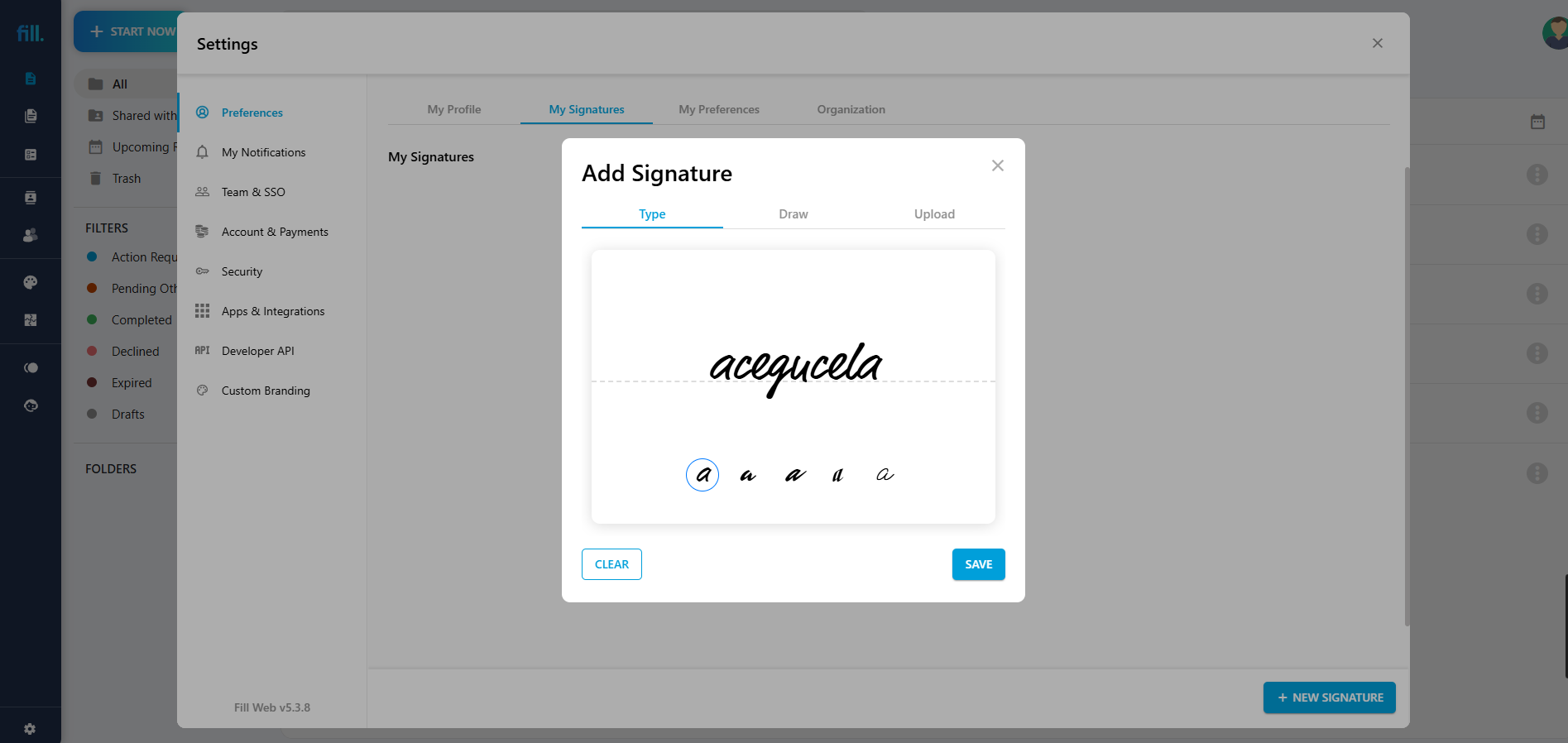
Fill sits at the top of this list because it does not treat free users as a conversion opportunity to be monetised at every step. You can create a signature, upload a document, and send a request without hitting a wall after three clicks.
The platform covers the core signing workflow without asking you to piece it together from separate tools. You get electronic signature creation via typing, drawing, or image upload, a built-in PDF editor for quick annotations, real-time audit trails, and push notification alerts when a document has been opened or signed. Signature requests go out via secure link, and recipients do not need a Fill account to sign.
Fill is compliant with the US ESIGN Act, UETA, and HIPAA, making it suitable for healthcare and finance teams who handle sensitive documents. Cross-platform apps for iOS, Android, macOS, and Windows mean you can work from whatever device is available. The free tier supports unlimited document uploads, with limitations on outgoing signature requests. Paid plans start at $8.33 per user per month, the most competitive entry price among the full-featured platforms reviewed here.
For teams that want to start free and scale without switching tools, Fill is the clearest choice.
2. SignWell - Best Free Plan for Occasional Senders
SignWell (previously called Docsketch) has built its reputation on one thing: a genuinely useful free tier. You send up to three documents per month for signing at no cost, with no time limit on the free plan. That is not a trial. That cap resets every month, indefinitely.
The interface is intentionally minimal. There are no unnecessary features fighting for your attention. You upload a document, place the signature fields, add the recipient, and send. Signing happens in the browser, no account required on the recipient's end.
The Personal paid plan runs $12 per month for unlimited eSignatures, templates, and integrations including Zapier. For freelancers and small teams who do not need enterprise features, SignWell competes well against anything in this price range.
3. Zoho Sign - Best Free Tier for Small Teams in the Zoho Ecosystem
Zoho Sign offers five document sends per month on its free plan, two more than most competitors, along with templates and an audit trail at no cost. For teams already using Zoho CRM, Zoho Books, or other Zoho tools, the integration is tight and reduces the amount of manual document handling significantly.
The platform complies with ESIGN, UETA, and eIDAS. Multi-signer support works across all plans. Paid tiers start at $12 per month and scale up to include bulk sending, API access, and multi-language document support.
If your team does not use Zoho's broader ecosystem, SignWell or Fill is likely a better fit. But for Zoho users, Sign is the natural first choice.
4. Adobe Acrobat - Best for PDF-Heavy Workflows
Most people who work with PDFs already have some version of Adobe Acrobat installed or are familiar with the interface. That familiarity carries real value when you need someone to sign a document without a lengthy onboarding process.
Adobe Acrobat's free plan allows signing and basic PDF editing. For outgoing signature requests, you need Adobe Acrobat Standard or Pro, which starts at roughly $20 per month. That is a significant step up from the other options here, but if your workflow centres on complex PDFs that need precise editing before signing, the integrated experience is worth the premium.
Adobe Sign, Acrobat's standalone signature product, integrates with Microsoft 365, Google Workspace, and Salesforce. For enterprise teams already standardised on Adobe's product suite, it is a natural fit. For everyone else, the price-to-features ratio favours alternatives.
5. SignNow - Best for Teams Needing Multi-User Plans at Low Cost
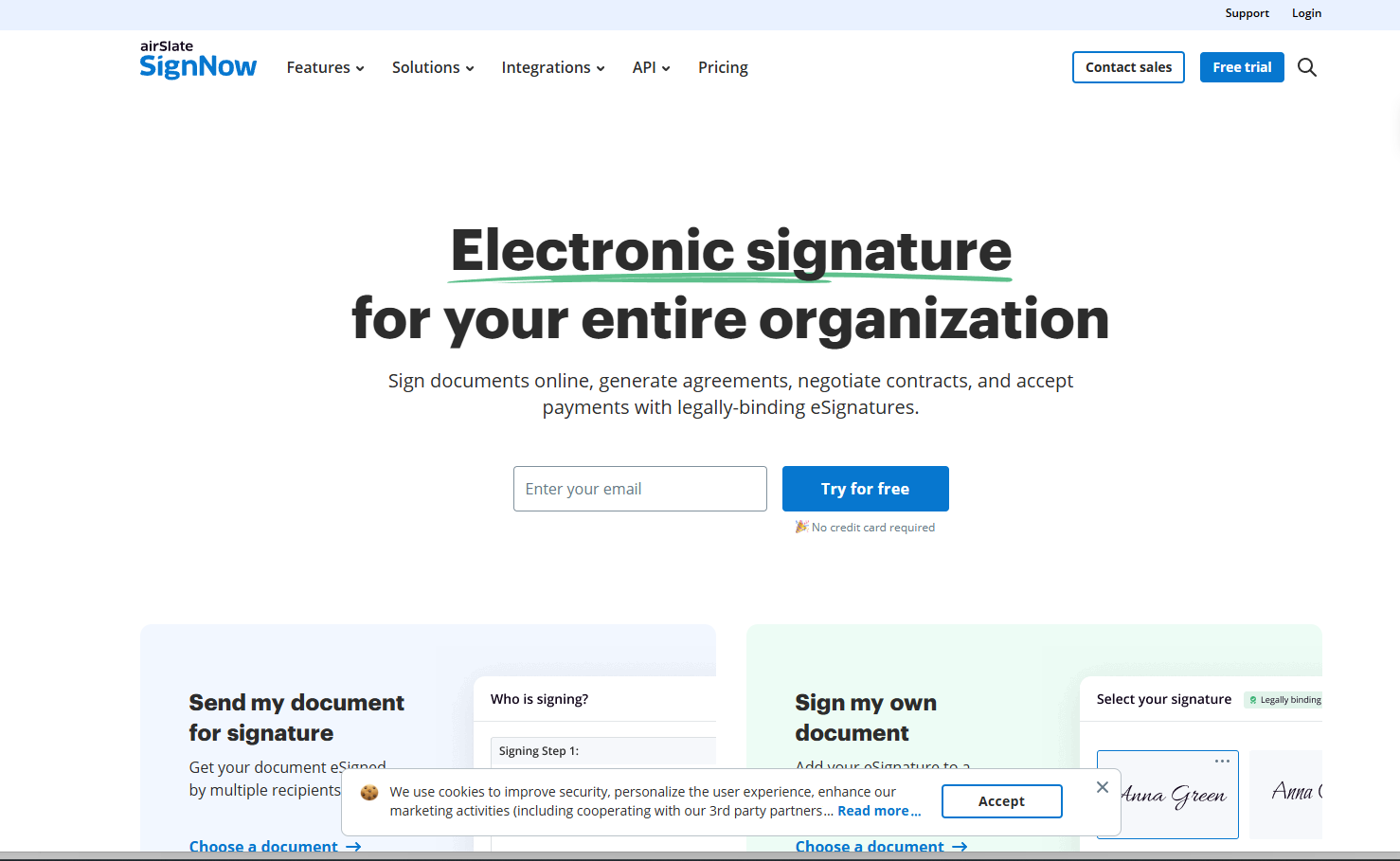
SignNow structures its pricing in a way that makes sense for teams: even the cheapest paid plan supports multiple users. The Business plan runs $8 per user per month billed annually, with unlimited signature requests. That is comparable to Fill's entry price but with stronger team management features built in at the base tier.
The free trial gives you access to the full feature set before committing. The platform connects with Zapier, enabling automated workflows across your existing tools. For example, a signed document in SignNow can trigger an automatic Google Drive save, a Slack notification, and a CRM update, without anyone doing that manually.
The interface takes slightly longer to learn than SignWell or Fill, but teams that need to automate signing across a larger workflow will find the tradeoff worthwhile.
6. DigiSigner - Best Free Option for Basic Signing Without an Account
DigiSigner's free plan allows you to sign up to three documents per month with multiple signers per document. You do not need to create an account to sign a document, and the platform works across any web browser without requiring a dedicated app installation.
The signing experience is clean and fast. You upload, place signatures, and send. There are no distracting upsells mid-workflow. The limitations are real: no mobile app, templates locked behind paid plans, and minimal integrations. For someone who occasionally needs to sign or collect a signature on a straightforward document, DigiSigner earns its place on this list. For anything more complex, look at Fill or SignNow.
7. DocHub - Best Free DocuSign Alternative for PDF Signing
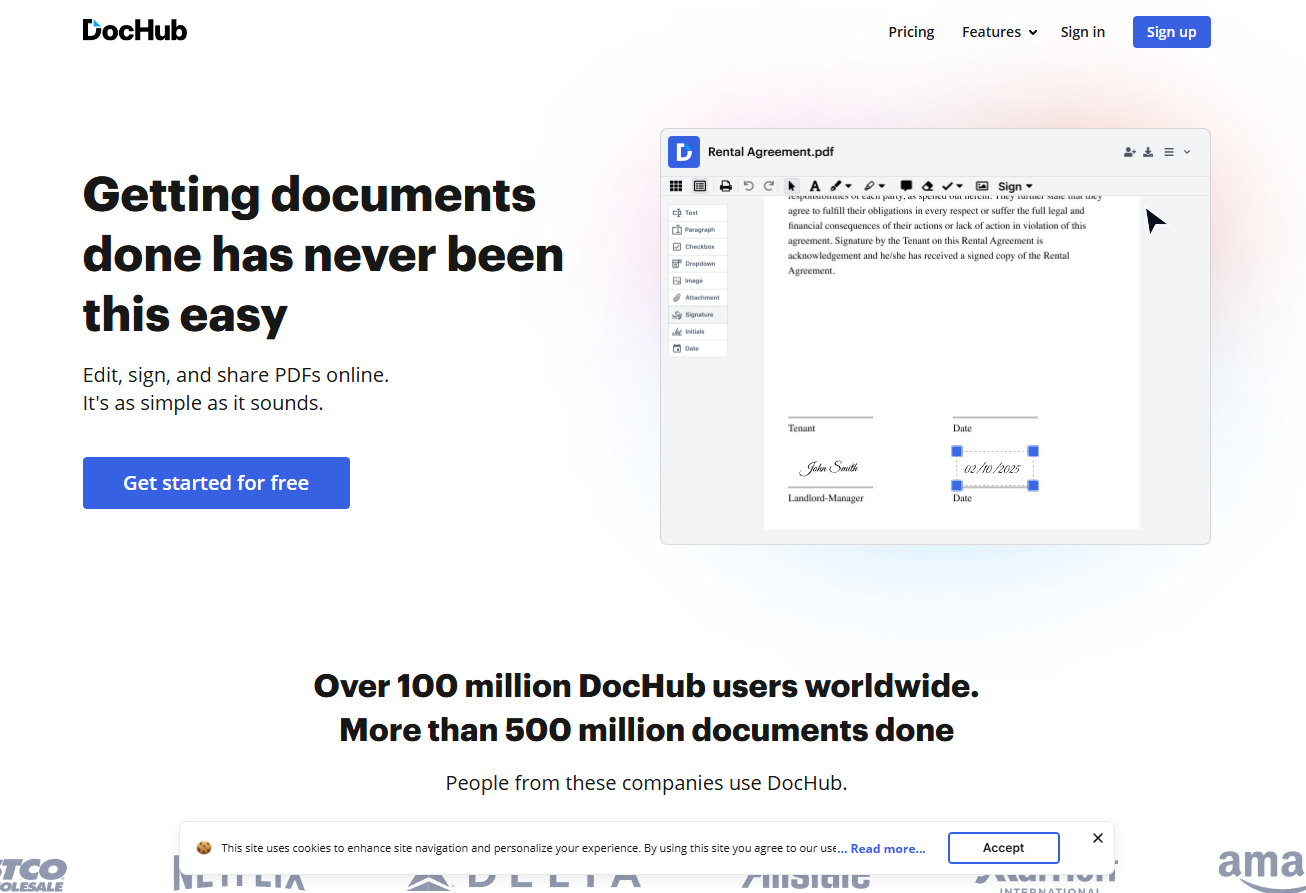
DocHub sits in an interesting position: it is a PDF editor first and an eSign tool second. That distinction matters if a significant portion of your document work involves filling out forms, annotating contracts, or making edits before signatures are collected.
The free plan supports PDF editing, form filling, and signing with no hard document cap for basic functionality. Outgoing signature requests are limited on the free tier, but the overall feature set for working within PDFs is broader than most dedicated eSign tools. Google Drive and Dropbox integrations come standard.
Teams that regularly work with complex PDFs and need both editing and signing in one place will get more out of DocHub's free tier than almost any other option here.
8. Xodo Sign - Best for Teams Wanting Templates on a Free Plan
Xodo Sign's free plan is one of the more generous in this category: you get document signing, templates, and audit logs without paying. The interface is clean, and the platform scores a 4.8 for ease of use on Capterra.
The main limitation is that once a document expires, you cannot simply resend it, you have to recreate the process from scratch, which adds friction for teams with high signing volumes. There are also fewer automation and integration options compared to SignNow or Fill. Paid plans start at $9.99 per month.
For small teams who want access to templates without paying, Xodo Sign delivers solid value on its free tier.

DocuSign vs Free Alternatives: Price and Feature Comparison
The main difference between DocuSign and its free alternatives is cost and free tier availability. DocuSign removed its permanent free plan and charges $45 per user per month for its Standard tier. SignWell and Fill both offer permanent free plans with up to three to five monthly sends, and paid tiers starting at $8 to $12 per month, delivering comparable legal validity at a fraction of the price.
Fill vs SignNow: Which Is Right for Your Team?
The main difference between Fill and SignNow is where their strengths sit. Fill leads on compliance and ease of entry, offering HIPAA coverage, cross-platform apps, and a $8.33/month starting price with PDF editing built in. SignNow leads on team automation, with stronger multi-user management, native Zapier workflows, and comparable pricing at $8/user/month billed annually. Both handle unlimited signature requests on paid plans.
Free vs. Paid eSign Software: Understanding the Difference
The main difference between free and paid eSign plans is workflow depth, not legal validity. Free plans handle basic sending, signing, and audit trails for low-volume users. Paid plans unlock bulk sending, custom branding, SMS authentication, API access, and automation. Most teams outgrow free tiers due to workflow complexity rather than document volume, and paid plans from Fill and SignNow start below $15 per user per month.
A free eSign plan works well when your signing volume is low and your workflow is simple. You upload a document, send it for a signature, get it back. Done.
Once you move beyond that, the gaps become visible. Free plans typically do not include bulk sending (sending one document to hundreds of signers at once), custom branding on signing pages and emails, advanced authentication like SMS verification or knowledge-based authentication, API access for embedding signing into your own application, or detailed workflow automation.
Most teams outgrow free plans not because of document volume but because of workflow complexity. The good news is that paid plans from SignWell, Fill, SignNow, and Xodo Sign all start below $15 per user per month. At that price point, the automation and branding features pay for themselves quickly if you are processing more than a few contracts a week.
DocuSign's Personal plan, five signature requests per month for $15, compares poorly to the alternatives. The Standard plan at $45 per user per month is harder to justify when SignNow's Business plan delivers comparable functionality at $8 per user per month billed annually.
Are Free eSignatures Legally Binding?
Yes. An electronic signature collected through any reputable eSign platform is legally binding under the same conditions as a handwritten signature, provided the platform meets the relevant legal standards.
In the United States, the ESIGN Act of 2000 and the Uniform Electronic Transactions Act (UETA) establish the legal framework. Both laws state that an electronic signature carries the same legal weight as a wet signature when the signer has demonstrated intent to sign and the platform maintains a reliable record of the signing event.
In the European Union, eIDAS governs electronic signatures. Most platforms in this guide support Standard Electronic Signatures (SES), which cover the vast majority of business documents. Higher-risk documents like property transfers or notarised agreements may require Advanced or Qualified Electronic Signatures (AES or QES), which involve additional identity verification steps.
The audit trail your eSign platform produces is what makes a signature defensible in a dispute. It should record the signer's email address, the date and time of signing, and the IP address or device identifier used. Every platform in this guide provides this as standard.
HIPAA-Compliant eSign Software: What You Need to Know
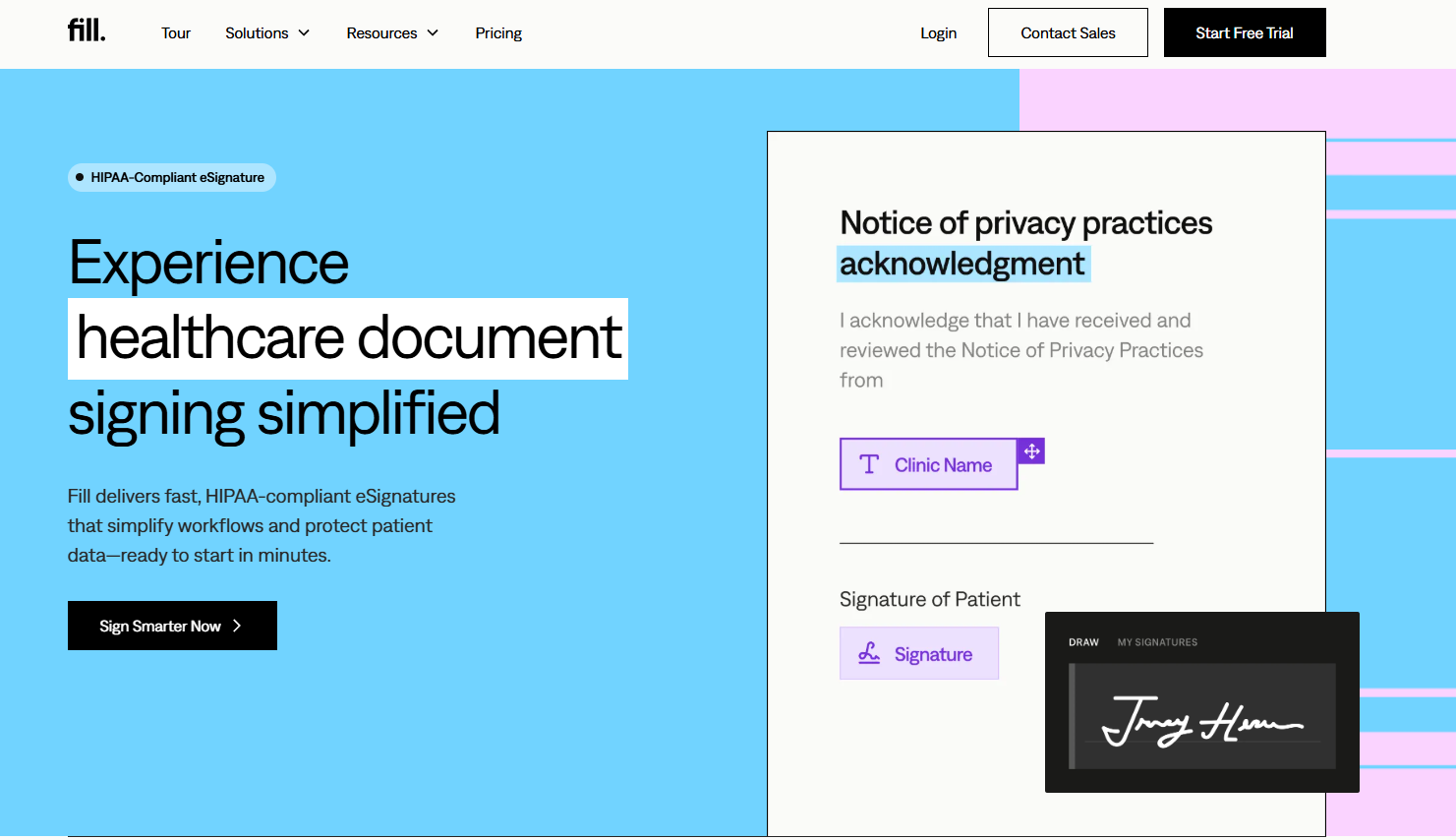
Not all free eSign software is HIPAA compliant, only specific platforms are. Fill and SignNow both explicitly support HIPAA-compliant signing on their paid plans. For documents containing protected health information, you also need a Business Associate Agreement from your provider, which is a legal requirement for any HIPAA-covered workflow. Always confirm BAA availability before processing healthcare documents.
How to Choose the Right Free eSign Software
A few questions will narrow your options quickly.
How many documents do you send for signing each month? Under five, and any free plan on this list works. Between five and twenty, look at Fill or SignWell's paid plans. Over twenty, SignNow or Fill's business tier will handle the volume without costing you per-document.
Do you need a mobile app? Fill, SignNow, and Zoho Sign all have native iOS and Android apps with full functionality. DigiSigner and DocHub are browser-only, which limits you to desktop or laptop.
Do you already use a tool this should connect with? If you live in Google Workspace, Fill, DocHub, and Adobe Acrobat all integrate cleanly. If you use Zapier to automate workflows, SignNow and SignWell both have native Zapier connections. Zoho Sign is the obvious pick if you use Zoho CRM or Zoho Books.
Does your industry have compliance requirements? HIPAA-sensitive documents need a platform that explicitly covers HIPAA compliance. Fill and SignNow both do. For financial services, look for platforms that cover GLBA. For European clients, confirm eIDAS compliance.
Frequently Asked Questions
Is there a completely free eSign app with no document limit?
Most platforms cap free plans at three to five document sends per month. DocHub offers broader free functionality for PDF editing and signing with fewer hard caps on basic signing, but outgoing signature requests are still limited. If you need truly unlimited signing, paid plans from Fill, SignWell, and SignNow start between $8 and $12 per month.
Can I sign a PDF for free online without creating an account?
Yes, you can sign a PDF online for free without creating an account. DigiSigner lets you sign documents directly in a browser with no registration required. Fill and DocHub also allow recipients to sign without an account, only the person sending the document needs to be logged in. No software installation is required on any of these platforms.
Is DocuSign still free?
DocuSign no longer offers a permanent free plan. The platform provides a 30-day trial with access to premium features. After the trial, the cheapest plan is the Personal tier at $15 per month for five signature requests. For comparable functionality at lower cost, SignWell, Fill, and SignNow are the stronger alternatives.
What is the difference between an electronic signature and a digital signature?
An electronic signature is any digital method of indicating intent to sign, a typed name, a drawn signature, or a scanned image. A digital signature is a subset of electronic signature that uses cryptographic technology to embed identifying information into the document itself, making it tamper-evident. Most platforms in this guide produce digital signatures behind the scenes even when the experience looks like a simple electronic signature.
What is the best free eSign software for small businesses?
Fill is the strongest all-round choice for small businesses, with cross-platform apps, 256-bit encryption, HIPAA compliance, and integrations with Google Drive, Dropbox, and Box. SignNow is a close second for teams that need multiple users and workflow automation at low cost.
Can I use free eSign software for HIPAA-compliant document signing?
Fill and SignNow both explicitly support HIPAA-compliant signing. If your documents contain protected health information, confirm that the platform you choose offers a Business Associate Agreement (BAA), which is a legal requirement for any HIPAA-covered workflow.
How do I create a free electronic signature online?
To create a free electronic signature online, choose a platform like Fill, SignWell, or DocHub and select one of three methods: type your name and pick a font style, draw your signature using a mouse or touchscreen, or upload a photograph of your handwritten signature. All three methods are free on the platforms reviewed here, and the resulting signature carries the same legal weight as a handwritten one.
The Bottom Line

The free eSign software landscape in 2026 is genuinely competitive. Fill is the standout for most use cases, combining a mobile app, strong compliance coverage, PDF editing, and an entry-level paid tier that costs less than a coffee subscription.
The alternatives in this guide deliver the same legal validity, better mobile experiences, and comparable integrations for a fraction of the cost.