

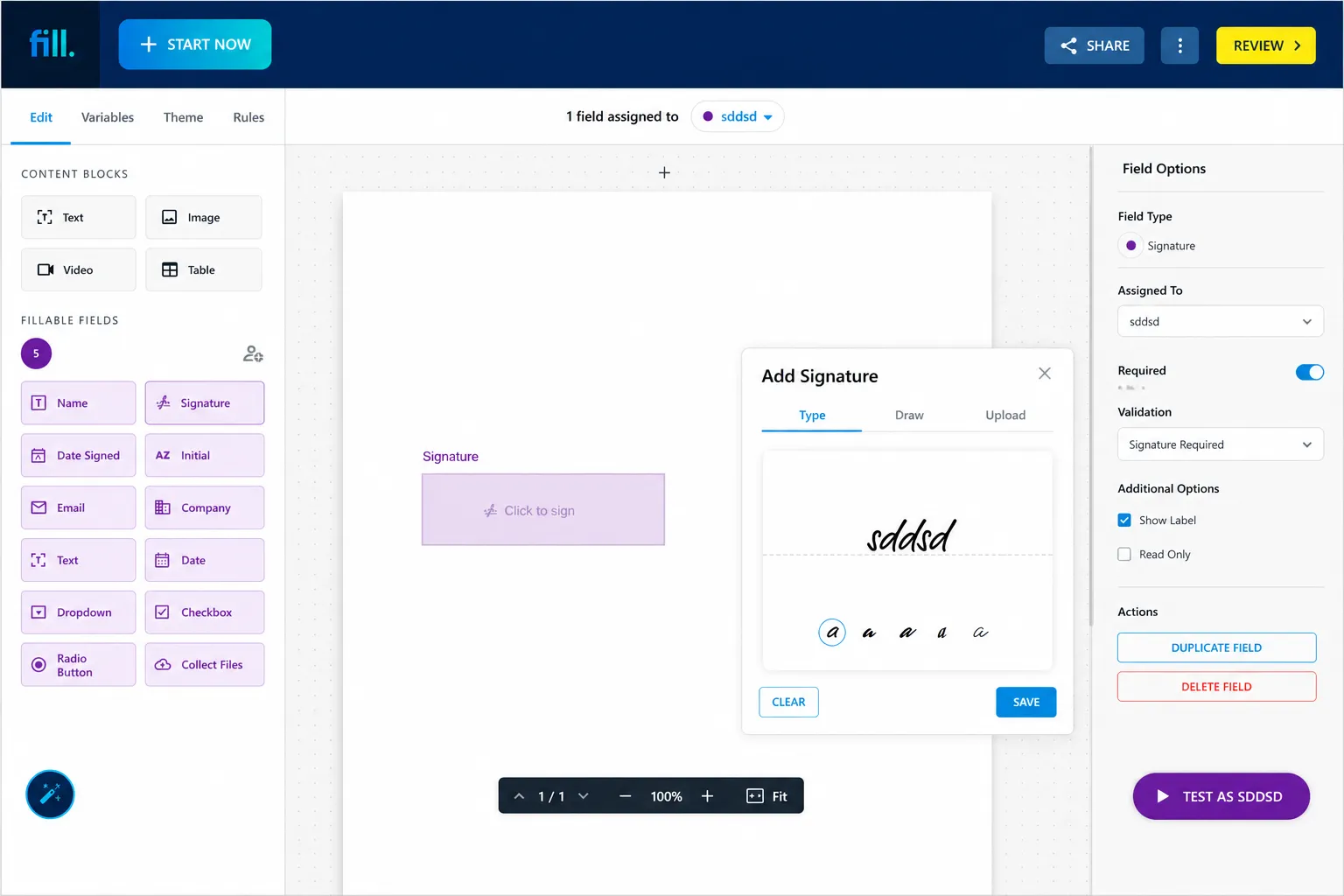
What is the best HelloSign alternative for SMBs?
Fill is one of the best HelloSign alternatives for SMBs that need more than basic eSignatures.

Best for
Small and medium-sized businesses that need eSignatures, document automation, reusable templates, online forms, PDF editing, and workflow management in one platform.

Main advantage

Why businesses switch

Fill vs Dropbox Sign
Dropbox Sign (formerly HelloSign) is a good option for simple eSignature needs, especially for teams already using Dropbox. Fill is better suited to SMBs that want more complete document workflows without enterprise-level complexity.

Bottom line
HelloSign Is Now Dropbox Sign – What Changed?
HelloSign was rebranded as Dropbox Sign after its acquisition by Dropbox. While the core signing experience remains similar, many businesses compare Dropbox Sign alternatives when evaluating pricing, features, and workflow capabilities.


Why SMBs Look for a HelloSign (Dropbox Sign) Alternative
As businesses grow, so do their document management needs. Here are the most common reasons teams start comparing Dropbox Sign alternatives.
What to Look for in a HelloSign Alternative (for SMBs)
When evaluating Dropbox Sign alternatives, focus on the capabilities that will have the biggest impact on daily operations.

Price & Value
Ease of Use & Setup

Templates, Bulk Send & Fields

eSignature, Legal Validity & Compliance

Integrations & API
Fill vs Dropbox Sign (HelloSign): Side-by-Side Comparison
If you're evaluating a Dropbox Sign alternative, the most important question is how Fill compares in the areas that matter most to SMBs. The following eSignature software comparison highlights key differences between Fill and Dropbox Sign.
| Feature | Fill | Dropbox Sign |
|---|---|---|
| Legally Binding eSignatures |
 Yes
Yes
|
Yes
|
| Reusable Templates |
Included
|
Included
|
| Bulk Send |
Yes
|
Yes
|
| Document Automation |
Yes
|
Limited by plan |
| Workflow Management |
Yes
|
Limited |
| Workflow Management |
Yes
|
Limited |
| Form Builder |
Yes
|
Not a core feature |
| PDF Editing & Document Tools |
Yes
|
Limited |
| SMB-Friendly Pricing |
Best Value
|
Plan-dependent |

Where Fill Wins
For many SMBs, Fill delivers advantages beyond basic eSignature functionality.
A service business can use Fill to collect client information through an online form, generate a service agreement from a template, send it for signature, and store the completed document—all from one platform. Instead of managing multiple tools, teams can keep the entire workflow in one place.

More Than Esignatures
Manage the entire document lifecycle from a single platform. For SMBs, this means fewer tools to manage and a simpler workflow from document creation to completion.

Built-in Automation
Automate repetitive document tasks and reduce manual work. Teams can streamline approvals, collect signatures faster, and keep documents organized as they scale.

Flexible Forms
Collect information and signatures through customizable online forms. Businesses can gather customer details, onboarding information, or service requests before automatically generating documents for signing.

Better Value for SMBs
Get the tools needed to support growing document workflows without unnecessary complexity. SMBs can access advanced capabilities while avoiding the cost and overhead of enterprise-focused solutions.
Where Dropbox Sign May Still Fit
Dropbox Sign may still be a good option for businesses with straightforward eSignature needs.

Dropbox-Centric Workflows

Basic Signing Requirements

Simple Document Processes
HelloSign (Dropbox Sign) Pricing vs Fill
Pricing is one of the main reasons businesses start looking for a HelloSign alternative. Businesses researching Dropbox Sign pricing often compare it with Fill pricing to determine which solution delivers the best long-term value.
Compare your current costs and estimate potential savings with Fill.
Why Fill Is the Best HelloSign Alternative for SMBs
When SMBs compare HelloSign competitors, they're usually looking for a platform that balances simplicity, affordability, and functionality.
As a modern electronic signature software solution, Fill checks those boxes by providing:

A Complete Document Workflow Platform
Electronic signatures are only one part of the process. Fill supports broader document workflows that help teams save time and reduce administrative work.

Fast Adoption
Teams can begin using Fill quickly without lengthy onboarding projects or extensive training.

Scalable Features
As organizations grow, Fill can support increasing document volume, additional users, and evolving workflow requirements.

Secure and Compliant Operations
Businesses can confidently manage documents using secure infrastructure, audit trails, and compliance-focused features.
Excellent Value for SMBs
Rather than paying for enterprise-level complexity they may not need, SMBs can access practical tools that support everyday business operations.
Melissa Reyes
Office Manager
Daniel Chen
Client Services Manager
Sophia Martinez
Operations Coordinator
Other HelloSign (Dropbox Sign) Alternatives to Consider
While Fill is our recommended HelloSign alternative for SMBs, there are several other options worth evaluating.
DocuSign
Enterprise-focused eSignature platform with advanced compliance, integrations, and workflow capabilities. Best suited for larger organizations with complex requirements.
Looking for a Docusign alternative? Compare Fill vs DocuSign
PandaDoc
Combines proposals, contracts, document creation, and eSignatures in one platform. Popular among sales teams that manage high volumes of customer-facing documents.
SignWell
Simple and affordable eSignature solution for basic signing workflows. Best for small businesses that prioritize ease of use and simplicity.
Zoho Sign
A natural choice for businesses already using Zoho applications. Best for teams looking to keep document workflows within the Zoho ecosystem.
How to Switch from Dropbox Sign to Fill
Switching from Dropbox Sign to Fill is typically straightforward and can often be completed in just a few steps.

Review existing templates

Export important documents

Recreate or import workflows

Invite team members

Test the process

Complete the rollout
Frequently Asked Questions
What is HelloSign called now?
HelloSign was rebranded as Dropbox Sign following Dropbox's acquisition and integration of the platform into its product ecosystem.
Is there a free HelloSign (Dropbox Sign) alternative?
Yes. Some providers offer free plans or trials. Fill offers a free trial that allows businesses to evaluate its document workflows, automation features, and eSignature capabilities before committing to a paid plan.
Are Fill's eSignatures legally binding?
Yes. Fill provides legally binding electronic signatures supported by audit trails and security measures designed to help organizations maintain document integrity.
Is DocuSign or HelloSign better?
The answer depends on your requirements. DocuSign is often chosen for enterprise-level functionality, while Dropbox Sign is generally viewed as a simpler option for smaller organizations. SMBs may also find alternatives like Fill offer a strong balance between usability and functionality.
Businesses evaluating multiple solutions may also benefit from reviewing a broader eSignature software comparison before making a decision.
Can I import my Dropbox Sign templates into Fill?
Migration options may vary depending on document types and workflow configurations. Businesses should review available migration tools and onboarding support when planning a transition.
Is my data secure with a HelloSign alternative?
Reputable eSignature providers use encryption, authentication controls, secure storage, and audit trails to help protect sensitive business documents and information.
