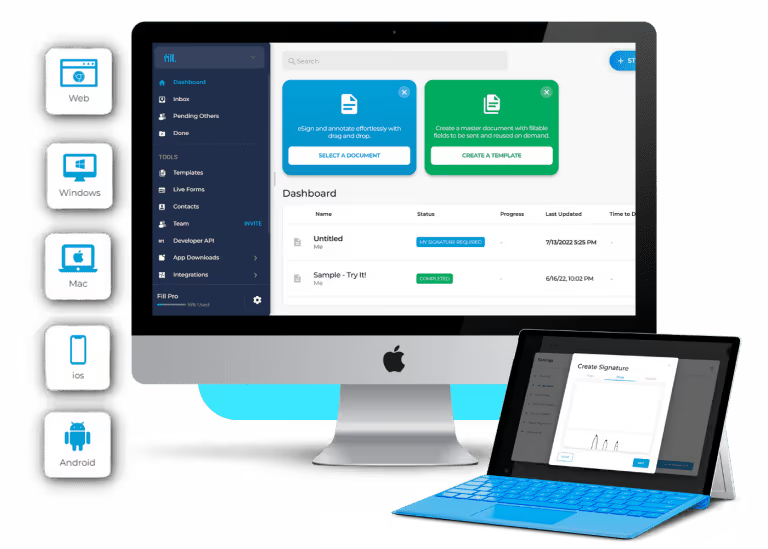
Create, manage and eSign docs from anywhere.
Fill is the acclaimed eSignature and contract management software designed to work online and on any device.


Electronic Signature App for Windows, Mac, Android, and iOS
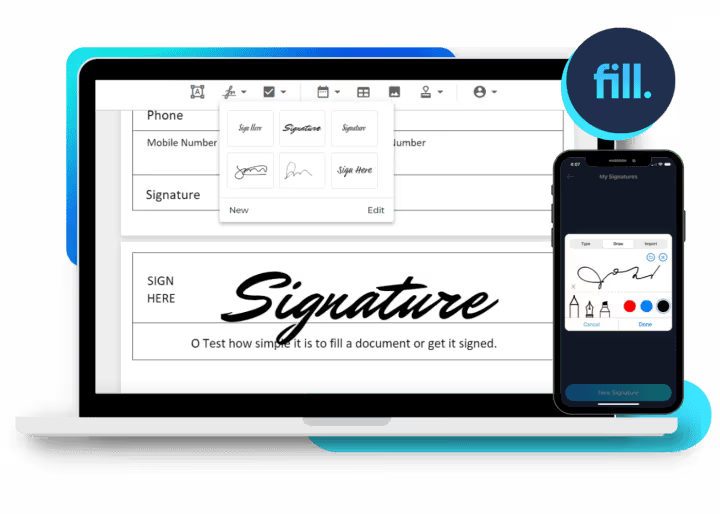
Sign and manage documents on your Windows PC
With Fill’s free electronic signature app for Windows, you can say goodbye to the burdens of traditional paper-based signing. You don’t need to print, scan, and mail documents for signatures. Securely sign contracts, agreements, and other important paperwork without ever leaving your desk.
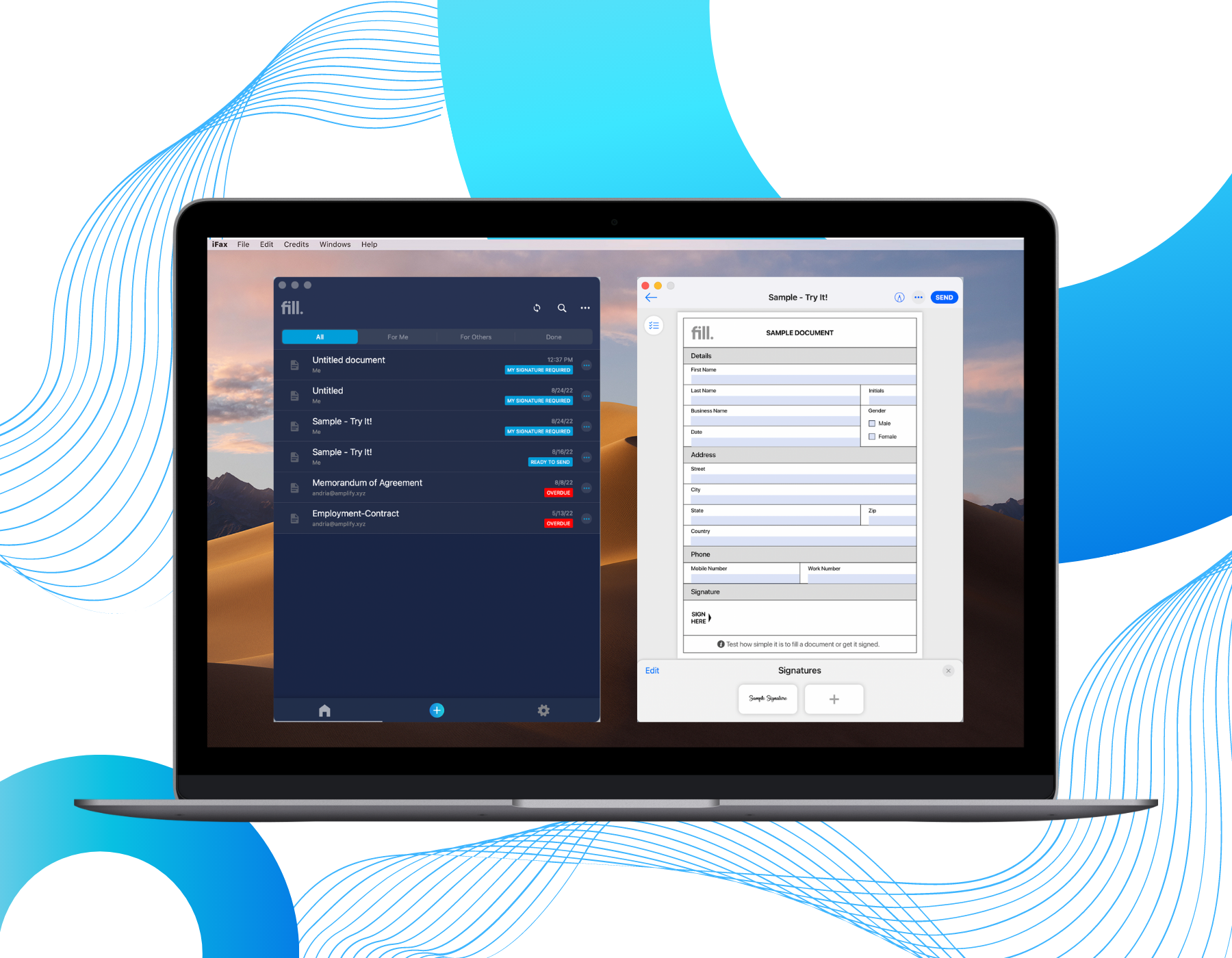
Maximize document management efficiency on your Mac
Whether you’re in the office or working remotely, our electronic signature app for Mac provides the convenience and flexibility you need to manage your paperwork efficiently. Fill is designed to work seamlessly with your Mac operating system. Rest assured, you can sign, manage, and store your documents without any technical hiccups.
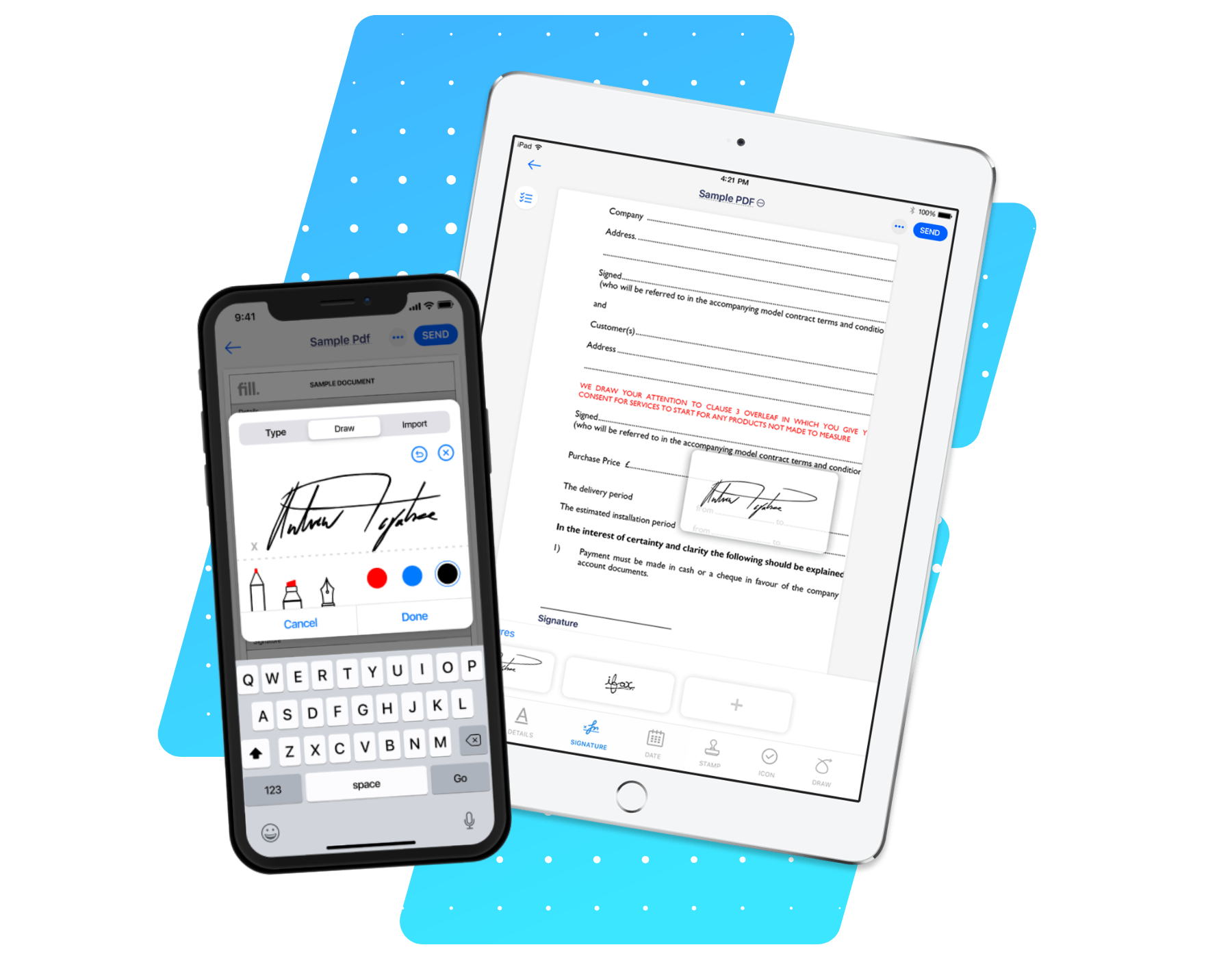
Empower your iOS devices with eSignature capabilities
Turn your iPhones and iPads into the ultimate portable productivity tool by downloading Fill’s eSignature app. Our mobile app promises ease of use with virtually no learning curve. You can sign documents and request signatures with just a few taps. Stay on top of your paperwork whenever and wherever with Fill.
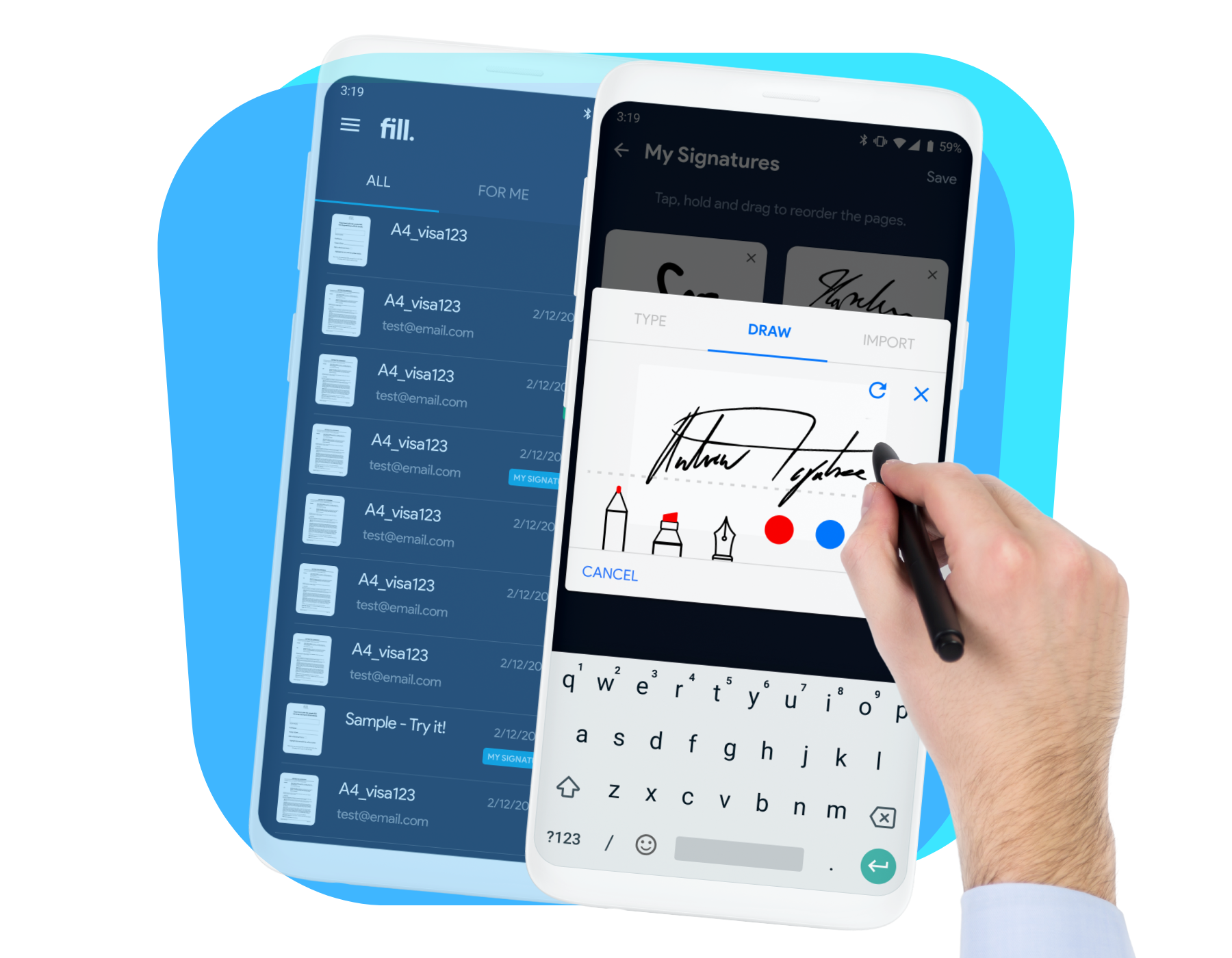
Optimize document workflows from your Android devices
You don’t need to be glued to your computer 24/7 to ensure your documents are managed efficiently. With Fill’s electronic signature app for Android, you can streamline your document workflows and stay productive while on the move. All our powerful document management tools, including document scanning and PDF editing tools, can be accessed at your fingertips.
Electronic Signature for every situation

Wills
Purchase orders
Investor Rights Agreements
Stock Purchase Agreements
Over 1 million satisfied users.
With an average of 4.6 and 4.9-star ratings on Google Play and Apple App Stores, Fill is the best electronic signature platform for individuals and businesses. It’s an eSignature solution trusted by millions of users.
Frequently asked questions
How do I create an electronic signature?
Creating an electronic signature with Fill is simple. You can draw, type, or upload your handwritten signature directly within the app. Once created, you can securely apply it to any document, save it for future use, and send signed files instantly.
Can I do an electronic signature on my phone?
Yes. Fill’s electronic signature app works seamlessly on both iOS and Android devices. You can create, sign, and send documents right from your phone or tablet—no printing, scanning, or emailing required.
Is there a free eSignature app?
Yes. Fill offers a free eSignature app that lets you sign documents online without any hidden fees. You can start for free, and upgrade anytime for advanced features like unlimited requests, templates, and audit trails.
Is the Fill eSignature app secure?
Absolutely. Fill uses bank-grade encryption and secure cloud storage to protect your documents and signatures. Every signed file comes with a detailed audit trail to ensure authenticity and compliance.
Can I send documents to others for signature?
Yes. With Fill, you can easily send documents for eSignature to one or multiple recipients. You’ll receive real-time updates and notifications as soon as the document is viewed or signed—streamlining your entire signing process.
