Over 1 million satisfied users.
With an average of 4.6 and 4.9-star ratings on Google Play and Apple App Stores, Fill is the best electronic signature app for mobile and desktop. Don’t just take our word for it. You decide.


Esign documents wherever, whenever

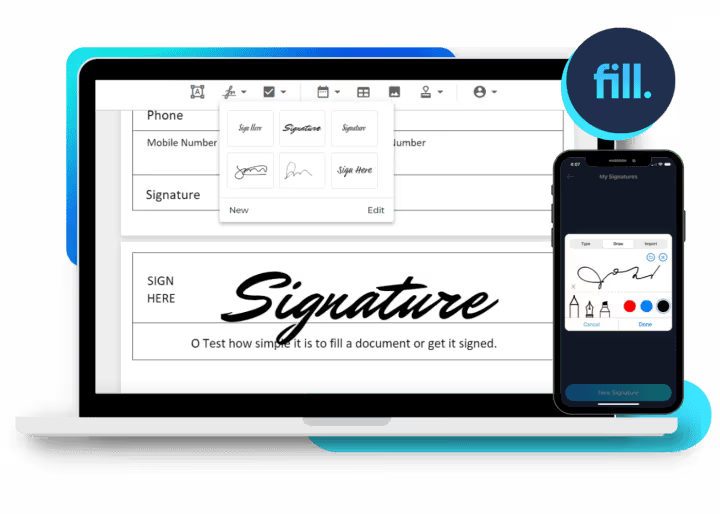
Esign documents on Windows and Mac

Create esignatures on Android and iPhone

Sign forms on any web or mobile browser
Digitally collect and sign documents
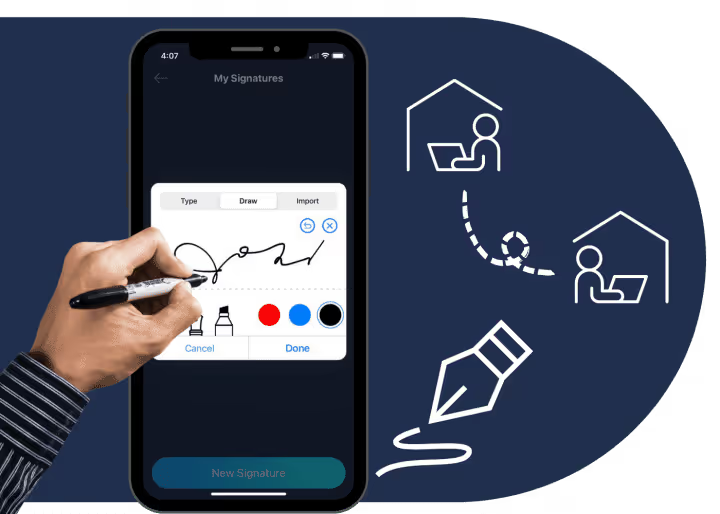
Why print everything when you can have clients sign digital forms and contracts? Going paperless also means they can sign remotely or in person. Plus, you don’t need to worry about paying for office supplies or machine maintenance.
Automatically track and manage signature requests
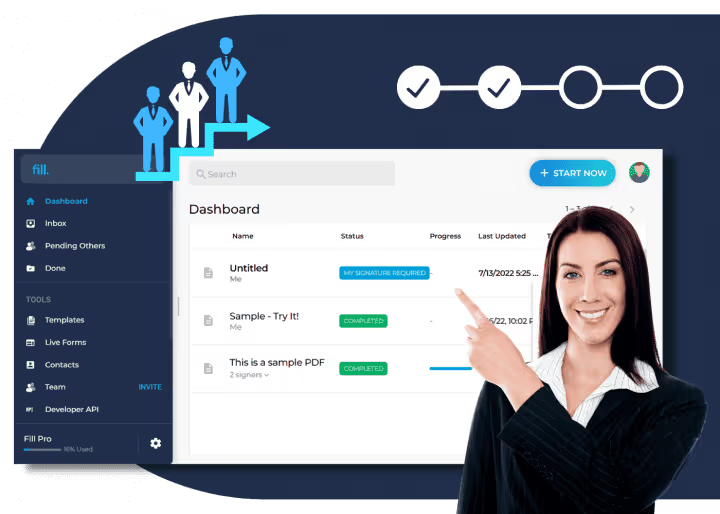
Effortlessly keep track of every signature request to get ahead of deadlines. Increase productivity and profitability by ensuring that no signature request gets overlooked with the help of automated email reminders.
Seamlessly integrate esignatures into other apps
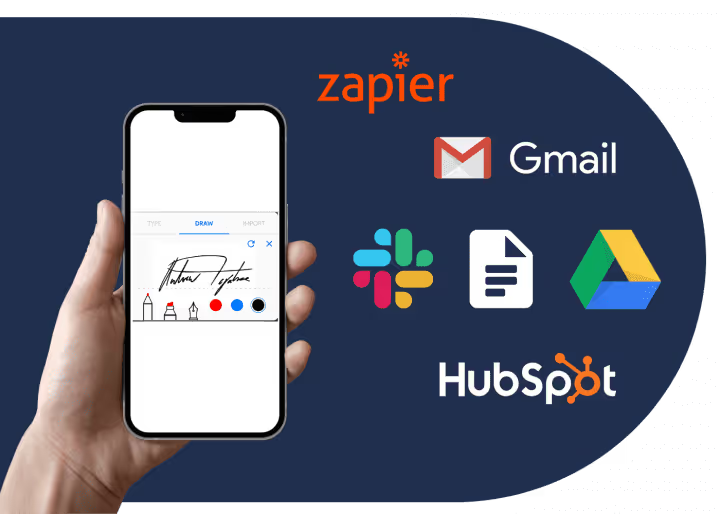
Make document signing possible on your preferred productivity or workflow management application. Use Zapier to connect Fill to other apps and become even more efficient in managing all sorts of administrative tasks.
Intuitive features that can help your business grow

Electronic signatures
Create electronic signatures either by typing or drawing. You can also upload a scanned copy of your handwritten signature and make it legally enforceable.

Online forms
Save time and effort by using customizable templates for agreements, surveys, and other forms. Prefill text fields and collect legally valid esignatures without the hassle.

Document scanning and automation
Scan documents directly using your phone camera and automatically convert images into editable text.

Import files from Google Drive, Dropbox, and iCloud
Say goodbye to manual and nonsecure file transfers. The Fill app lets you import files from any cloud-based storage service, including Google Drive, OneDrive, Dropbox, and iCloud.

Signer identity verification
Enjoy uninterrupted workflow and stay productive regardless of your device of choice. Our eSignature tool is compatible with Android, iOS, Mac, and Windows, making it simple to eSign documents on any platform.

HIPAA compliance and 256-bit encryption
Ensure that your business meets international standards for handling sensitive information. Our HIPAA-compliant app secures data using enterprise-grade 256-bit encryption.
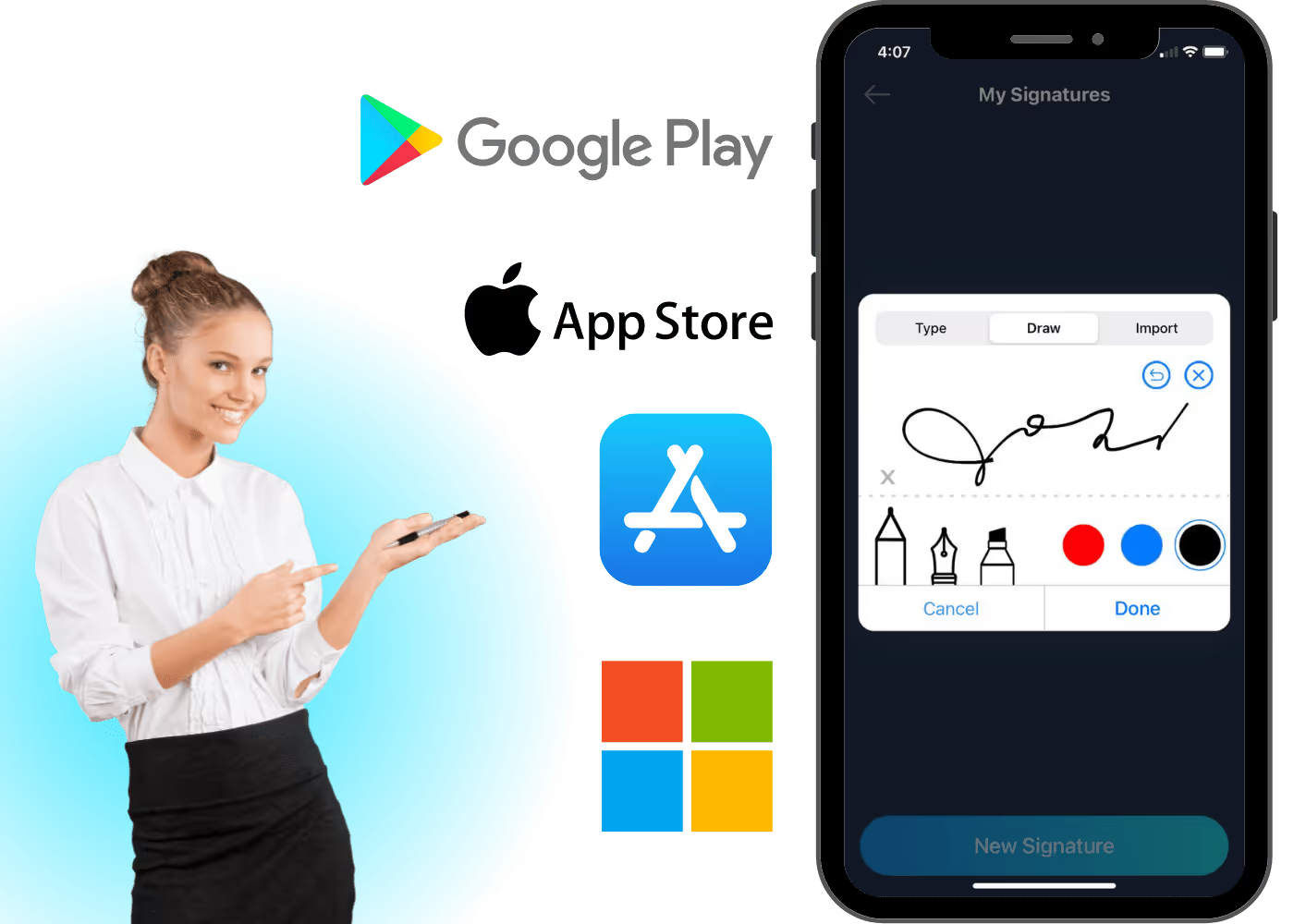
Download the Fill esign app today
Available on Web, Windows, Mac, iOS, and Android


What our users say about us

Fill For Every Industry


Frequently Asked Questions
Where can we use Fill esignature app?
Fill empowers professionals and businesses to improve document workflows by taking full advantage of modern technology. With our document signing app, you can have your clients sign contracts and agreements remotely regardless of your industry. Whether you’re in the healthcare, insurance, or finance industry, you can count on our regulatory-compliant app to get your documents signed on time.
Use Fill to process and execute healthcare forms without worrying about data vulnerability. Our electronic signature app uses bank-grade encryption to safeguard your most sensitive data, particularly those that contain PHI (protected health information). As a HIPAA-compliant electronic signature service, you can use our app to send and receive document signing requests for medical forms and online therapy requests.
On top of this, you can also rely on our document signing app to help speed up your contract signing processes. Get your deals closed on time while ensuring the privacy of your financial information. With our GLBA-compliant digital signature service, you have all the tools and options to safeguard a client’s sensitive information. You can also keep track of your document’s activity to ensure the validity of each transaction.
With Fill, you can efficiently manage your document signing processes, which is a must if you want to succeed and keep up with today’s rapidly-evolving market demands.
Is the Fill esignature app safe?
Yes, Fill is safe to use even for the most sensitive documents. Our multiplatform esignature app uses enterprise-level encryption to safeguard your private information, making it difficult for unauthorized persons to decrypt and read your data even after numerous attempts. This level of security enables you to focus on more productive tasks instead of worrying about data privacy.
The app has other built-in security features that serve as added layers of protection. There’s 2FA (two-factor authentication) for preventing unauthorized access as well as signer ID verification to ensure the authenticity of each signatory. Fill also provides document audit logs and digital signature certificates that allow you to detect any unusual activity.
With Fill, you can secure deals while staying compliant with various industry and privacy laws. Our app complies with the regulations set by HIPAA, GLBA, FCRA, ESIGN, and UETA, making it the perfect fit for accomplishing all sorts of legal paperwork.
Can I sign documents on any device?
With the Fill document signing app, you can get your forms and agreements signed on any device. Use your phone or computer to keep track of your signature requests and sign your documents from anywhere. With our mobile and web apps, you have the freedom to take your documents with you. It’s easy, quick, and efficient.
The Fill app supports multiple platforms and devices, including Windows, Mac, Android, and iOS. You can also use our cross-platform electronic signature app to sync and access files quickly. Use Fill to sign documents and collect signatures using your cell phone, tablet, laptop, or PC.
With our electronic signature app for Windows, you can effortlessly sign documents on your office or home computer. There’s no need for complex setups. Just install the app directly on your PC or laptop. If you want more accessibility, our mobile apps for Android and iOS can turn your cell phone or tablet into a portable office that enables you to stay on top of your deadlines.
On top of this, Fill also works on any web or mobile browser. Even if you don’t have any app or software installed, you can still use our online signature tool to sign documents and fill out forms.
What apps can Fill integrate with?
Automate and streamline your workflows by integrating Fill with today’s commonly used business apps and marketing platforms. Use Fill to securely sign documents directly from Gmail and free yourself from the hassle of re-uploading forms. By connecting Fill to Google Drive, you can quickly import your files and access your online folders without switching from one app to another.
You can also stay ahead of your game and have our electronic signature app integrated into your CRM software via API. With it, you can optimize your business processes by having a direct way to sign documents without needing to go down the traditional route. It also eliminates the need to import documents manually, which leads to faster turnaround times and increased productivity. It also offers a cost-effective way to execute documents.
If you’re looking for more options to automate tasks, you can use Zapier to connect Fill with other business apps. With Fill on Zapier, you can do more than just fill and sign your documents online. You can create fillable PDFs and have them sent directly to other cloud storage platforms like Dropbox and OneDrive. You can also connect Fill with popular small business solutions like Freshbooks, Odoo, and Wrike.
Is Fill a HIPAA-compliant electronic signature app?
Fill is a HIPAA-compliant document signing app that can quickly create digital signatures for signing electronic health records. It can turn any device into a portable document manager, making it easier to execute documents while you travel. Use it to sign forms and contracts that contain PHI (protected health information) without worrying about non-compliance and other privacy violations.
With Fill, you can send and receive signature requests while maintaining compliance with HIPAA (Health Insurance Portability and Accountability Act) and other federal regulations. It also uses military-grade 256-bit encryption, preventing unauthorized people from intercepting your data during transmission. It is secure enough to keep your private information safe from compliance risks that could lead to hefty fines and penalties.
When it comes to secure and HIPAA-compliant document signing, you can rely on our app to provide you with everything you need. Use Fill to automate and simplify your healthcare paperwork. Improve patient interactions by eliminating unnecessary tasks. With our developer-friendly API, you can also integrate our web app into any existing EHR or EMR platform, ensuring the timeliness and accuracy of each signed form and consent. You can also ensure that your business or institution will meet the necessary regulatory requirements.
Is the Fill document-signing app free?
The Fill document-signing app is free to download, but access to its full features is limited unless you upgrade to a paid monthly or yearly subscription. If you want to experience having full access to the PRO plan, avail of our time-limited free trial, which you can cancel at any time.
To start using Fill and see it in action, go to our web app and sign up for an account. It lets you upload and send unlimited signature requests. Fill offers the most affordable monthly and yearly plans, starting at $8.33 per month.
What is the best document-signing app?
Fill is the best document-signing app for professionals and businesses. Aside from convenient document signing, its features are suitable for improving workflows and business productivity. The Fill app is also compatible with multiple platforms and does not require any specific operating system to function. It will work regardless if you’re on a laptop, computer, tablet, or cell phone. The app will also notify you about the current status of your signature requests in real time.
Our digital signature app offers the flexibility to do business and close deals anywhere. Why do printing and scanning when you can esign forms and contracts simply by tapping or swiping your phone? With Fill, you can set up remote signing and send signature requests via email or direct link. Your signatories don’t even need to install the Fill app or sign up for an account. They can open the link directly on their default browser.
